
About Course
Featured Products
- Kaspersky Secure Mail Gateway 3.0
Course Description
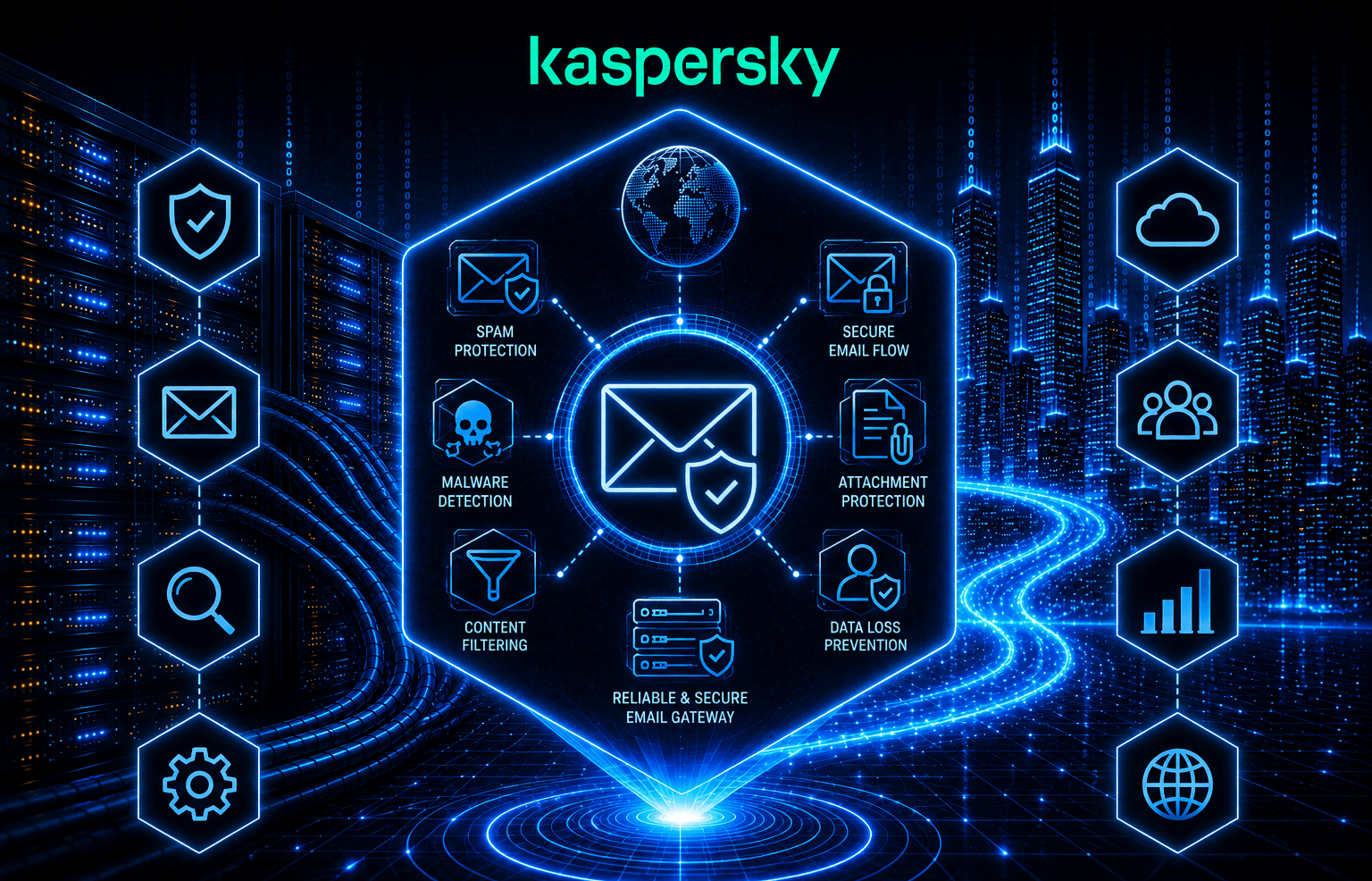
This training course is intended for administrators who need to protect corporate email traffic from malicious objects and spam while preventing confidential data leaks.
The course explains how to integrate the product into an existing infrastructure, protect email traffic, and configure incoming mail verification using SPF, DKIM, and DMARC.
The program also covers new technologies, including:
- Analysis of QR codes in emails and attachments.
- Content Disarm and Reconstruction (CDR) to neutralize zero-day threats.
- Scanning of encrypted archives using passwords extracted from the email body.
1. Introduction
1.1. How Email Works
1.2. Protection Against Mail Threats
1.3. New Challenges for Mail Gateways
1.4. SMTP Standards
1.5. Mail Sender Authentication
1.6. Kaspersky Secure Mail Gateway Operation Principles
2. How to Deploy Kaspersky Secure Mail Gateway
2.1. OS Installation and Configuration as a Virtual Appliance
2.2. KSMG Installation from an RPM/DEB Package (Standalone)
2.3. Integration with the Filtering System
2.4. Configuring an Email Relay for Virtual Appliance
Labs
Lab 1: Install Kaspersky Secure Mail Gateway
Lab 2: Initial Setup and Activation
Lab 3: Check Health of Kaspersky Secure Mail Gateway
Lab 4: Configure Connection to Active Directory
Lab 5: Configure Access to the KSMG Web Console Using SSO
3. Managing Protection
3.1. Lists
3.2. Anti-Spam
3.3. Anti-Virus
3.4. Scanning Encrypted Attachments
Labs
Lab 6: Lists
Lab 7: Header Analysis and Anti-Spam
Lab 8: Anti-Virus
Lab 9: Analysis of Encrypted Attachments
3.5. Anti-Phishing
3.6. Content Filtering
3.7. Mail Sender Authentication
3.8. QR Code Analysis
Labs
Lab 10: Content Filtering
Lab 11: Anti-Phishing
Lab 12: Configure Sender Authentication for Incoming Mail
Lab 13: Configuring Content Disarm and Reconstruction
3.9. Content Disarm and Reconstruction
4. Maintenance
4.1. Dashboard, Logs, and Reports
4.2. Message Queue
4.3. Notifications and Warnings
4.4. Backup
Lab 14: Configuring the Dashboard
5. Licensing
6. Advanced Settings
6.1. Encryption and DKIM
6.2. Accounts
6.3. Scaling and Maintenance
6.4. Integration with Other Systems


